


Tutorials on ASP.NET Core, Blazor, jQuery, JavaScript, Entity Framework, Identity, WordPress, SQL, HTML & more
Creating jQuery Expand Collapse Panels In HTML with “minimum” codes
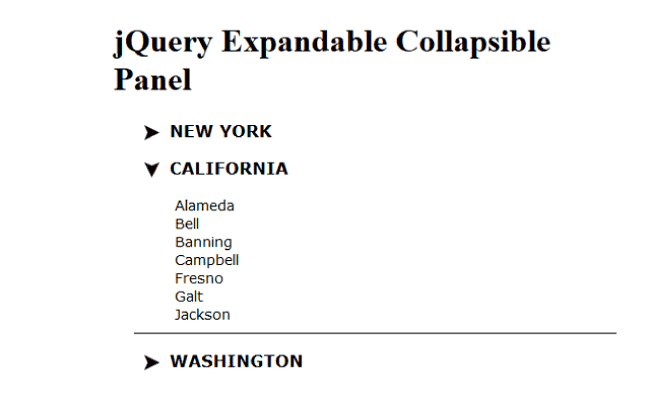
The jQuery Expand Collapse Panels are used for breaking content rich pages into separate sections. So they allow visitors to navigate easily to a particular section based on his choice. There is an arrow, which on clicking, reveals the content of the section. Developers always have the need to include these Expand Collapse Panels in their websites, and therefore they will find this tutorial useful.
(more…)Tutorial on doing Backup and Restore of WordPress Website with Images
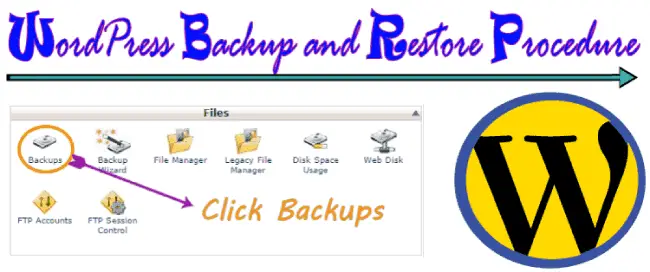
A website owner worst nightmare is when his website fails to load,due to been hacked or just fallen into pieces. Therefore it becomes very important for them to know how to take backup of their website, and restore it when there is a need to do so. In this tutorial I will explain how to do Backup and Restore of your WordPress website.
(more…)Check Uncheck all checkbox Of ASP.NET Checkboxlist using jQuery
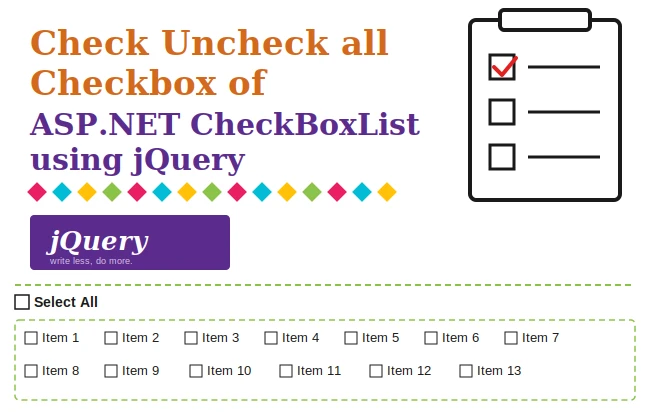
The checkbox can be easily be checked or unchecked using jQuery with just a single line of code. If your webpage contains a checkbox element that you want to check or uncheck dynamically using jQuery, follow the steps outlined below..
(more…)How to create Responsive Web Design using CSS Media Queries
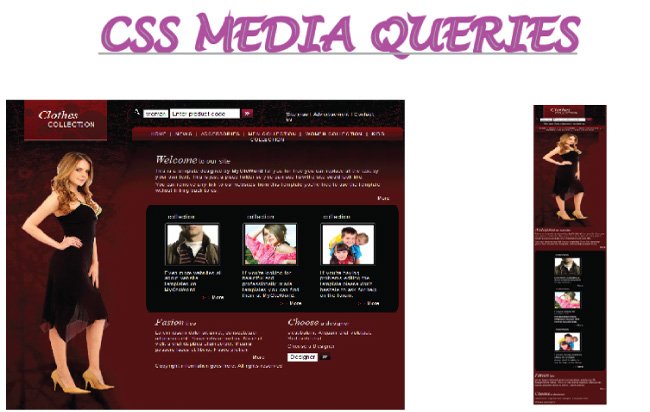
More and more people now browse the internet on their smartphones, so it is essential that your website works well on small screens too. The technical term for this is Responsive Web Design: a site whose layout adapts to the size of the device it is viewed on. A responsive website improves user engagement across all kinds of devices and lowers the bounce rate. It also brings SEO benefits, since search engines like Google favor mobile-friendly sites.
(more…)jQuery Modal PopUp Window with Animation Effects – with Codes

Sometimes we need to show visitors some important message when they visit our website. It can be done with jQuery Modal (also known commonly as 'Popup'). Here jQuery is used to open a small message box on the center of the screen. In this message box we can show any message like welcome text, coupons, sale discounts or anything else.
(more…)Implementing Google Contacts API Version 3.0 & OAuth 2.0 in cSharp and ASP.NET [Updated]

In this tutorial I will develop a web application to get all Google Contacts from a person account who authorizes the application. I will make it in Asp.Net platform and will use C# to communicate with the Google Contacts API.
(more…)Implementing Yahoo Contact Reader In ASP.NET and cSharp
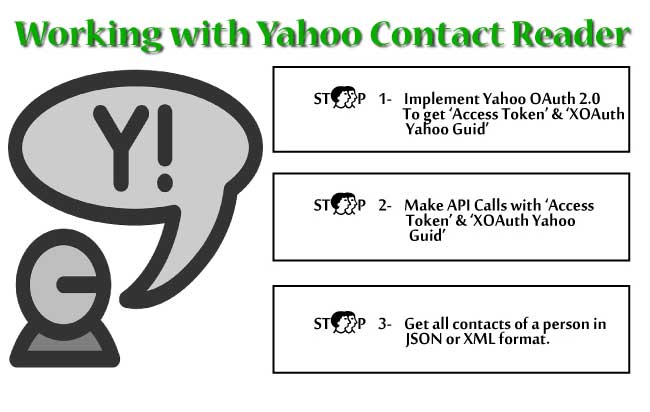
In this tutorial I will explain how to use Yahoo API to read a person’s Yahoo contacts. In common language I create an App called Yahoo Contact Reader for anyone who authorizes it so that this app can access his Yahoo contacts. I will use C# to communicate with Yahoo API and my app is made in ASP.NET platform.
There are 2 steps in making a Yahoo Contact Reader App –
(more…)Implementing Yahoo OAuth 2.0 in CSharp and Asp.Net
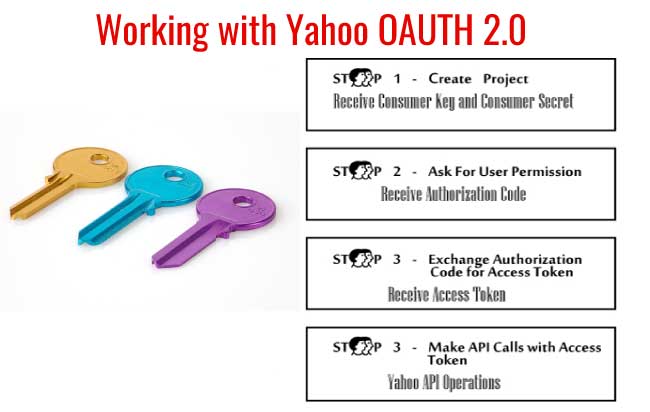
What is OAuth
OAuth is an open standard to authorize application to access user data from online servers without sharing user’s credentials. It is specifically designed to work in Hypertext Transfer Protocol (HTTP). OAuth provides access tokens to applications when the user gives approval, and through this access token the application can access the user’s data stored in online servers.
Trick – How to implement Session Authentication In ASP.NET
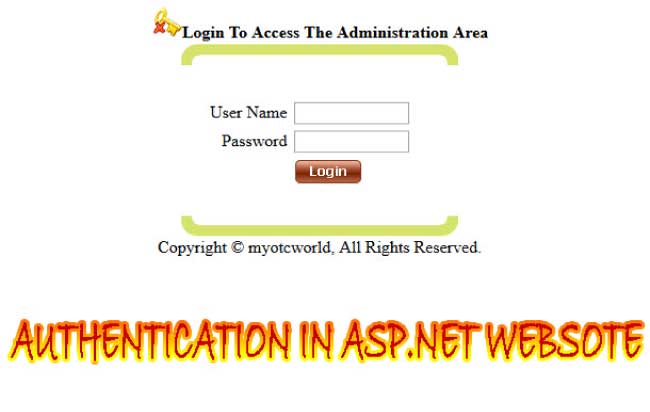
What is Authentication
Authentication is a process of identifying a person. It is commonly done through the use of login page which asks a user to enter his username and password. In ASP.NET websites you can do the authentication of a user by matching his user id and password with the one stored in the database. If both his username and password matches only then he is allowed to view secured areas of the website.
(more…)How to insert data in a Database in C#, SQL Server and ASP.NET
With cSharp(commonly known as C#) we can easily do ADO.NET programming to access a database, insert data into database tables, retrieve data from database tables and update data in the database tables. This is a tutorial suited for anyone who would like to get started working with databases in C# by using ADO.NET.
In this C# Database Tutorial I will teach you how to insert data into a database.
(more…)Please Consider Donating us
We are helping millions of Beginners and Professionals to learn new programming technologies.
Please consider donating us:




HELLO EVERYONE
 Welcome to YogiHosting - A Programming Tutorial Website. It is used by millions of people around the world to learn and explore about ASP.NET Core, Blazor, jQuery, JavaScript, Docker, Kubernetes and other topics.
SUBSCRIBE TO NEWSLETTER
Enter your email address to subscribe to this blog and receive notifications of new posts by email.
Join 90K other subscribers