


Tutorials on ASP.NET Core, Blazor, jQuery, JavaScript, Entity Framework, Identity, WordPress, SQL, HTML & more
OpenAPI Support in ASP.NET Core Web API Apps: A Complete Guide
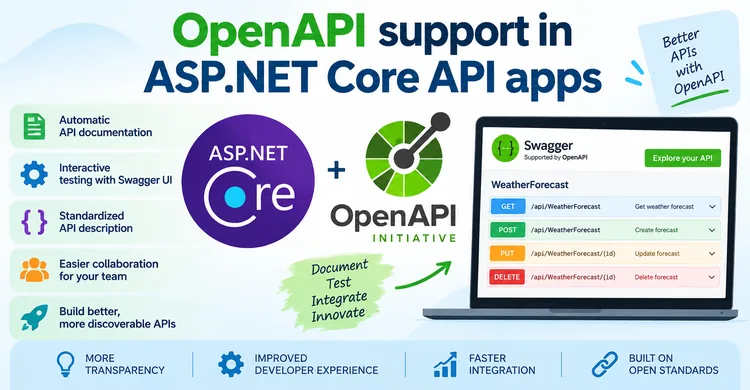
OpenAPI is a standard specification for describing HTTP APIs in a machine-readable format. In an ASP.NET Core Web API application, OpenAPI can describe your API endpoints, HTTP methods, parameters, request and response models, authentication requirements, and other API metadata.
This description can then be used by tools such as Swagger UI to generate interactive API documentation, allowing developers to explore and test API endpoints directly from a web browser.
(more…)ASP.NET Core Interview Questions and Answers – Crack Your Next Interview
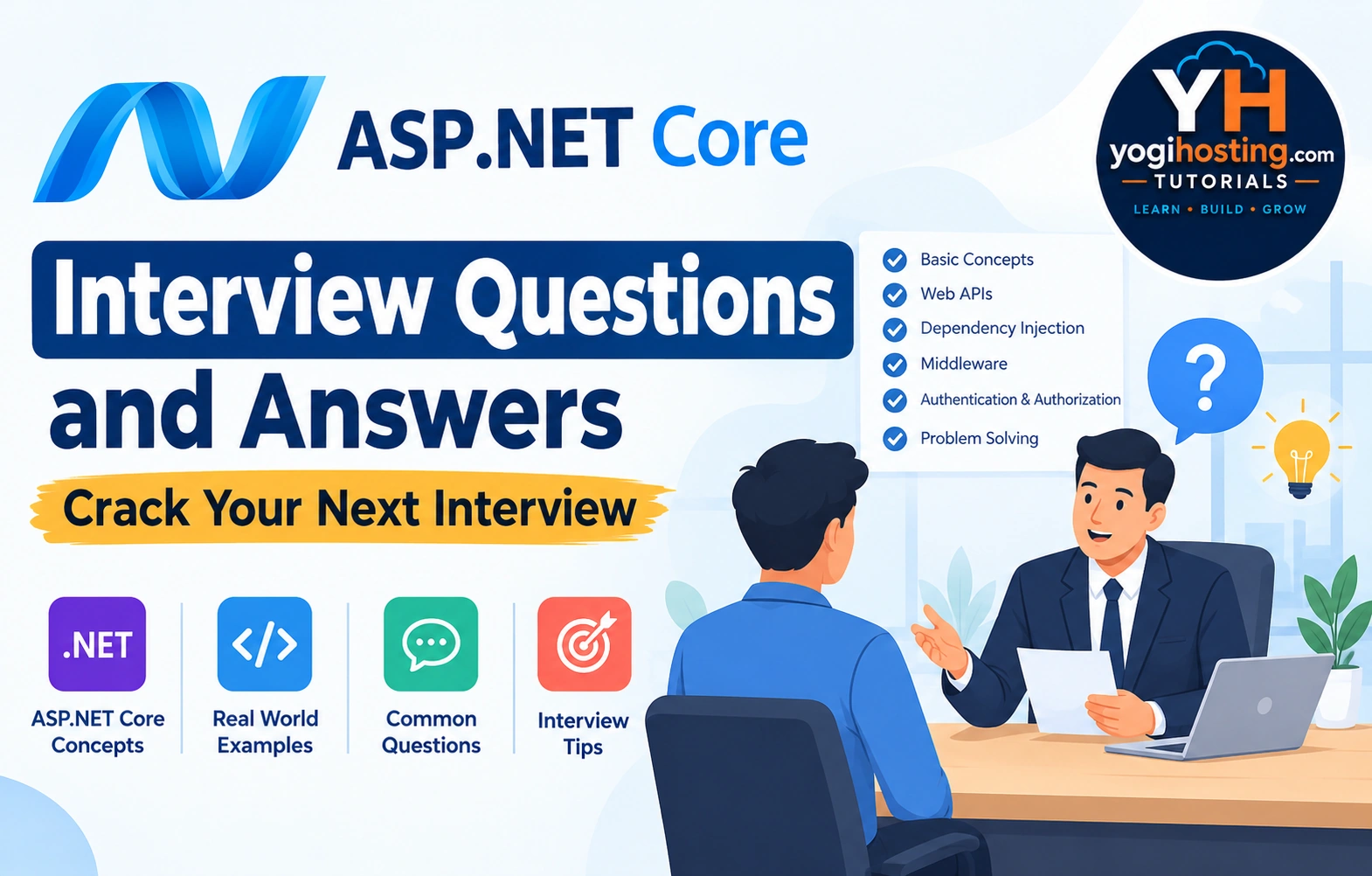
Cracking an ASP.NET Core interview is not just about memorizing a list of interview questions—it is about understanding how the framework works and being able to apply that knowledge to real-world development scenarios. Interviewers often test your understanding of core concepts such as Dependency Injection, middleware, routing, Web APIs, Entity Framework Core, authentication and authorization, performance optimization, and asynchronous programming, along with your ability to solve practical problems. In this guide, we will cover the most important ASP.NET Core interview questions and answers, from beginner-level fundamentals to advanced and scenario-based questions, so you can build confidence and prepare effectively for your next ASP.NET Core interview.
(more…)Effortless ASP.NET Core Minimal API Testing with the Visual Studio HTTP Editor
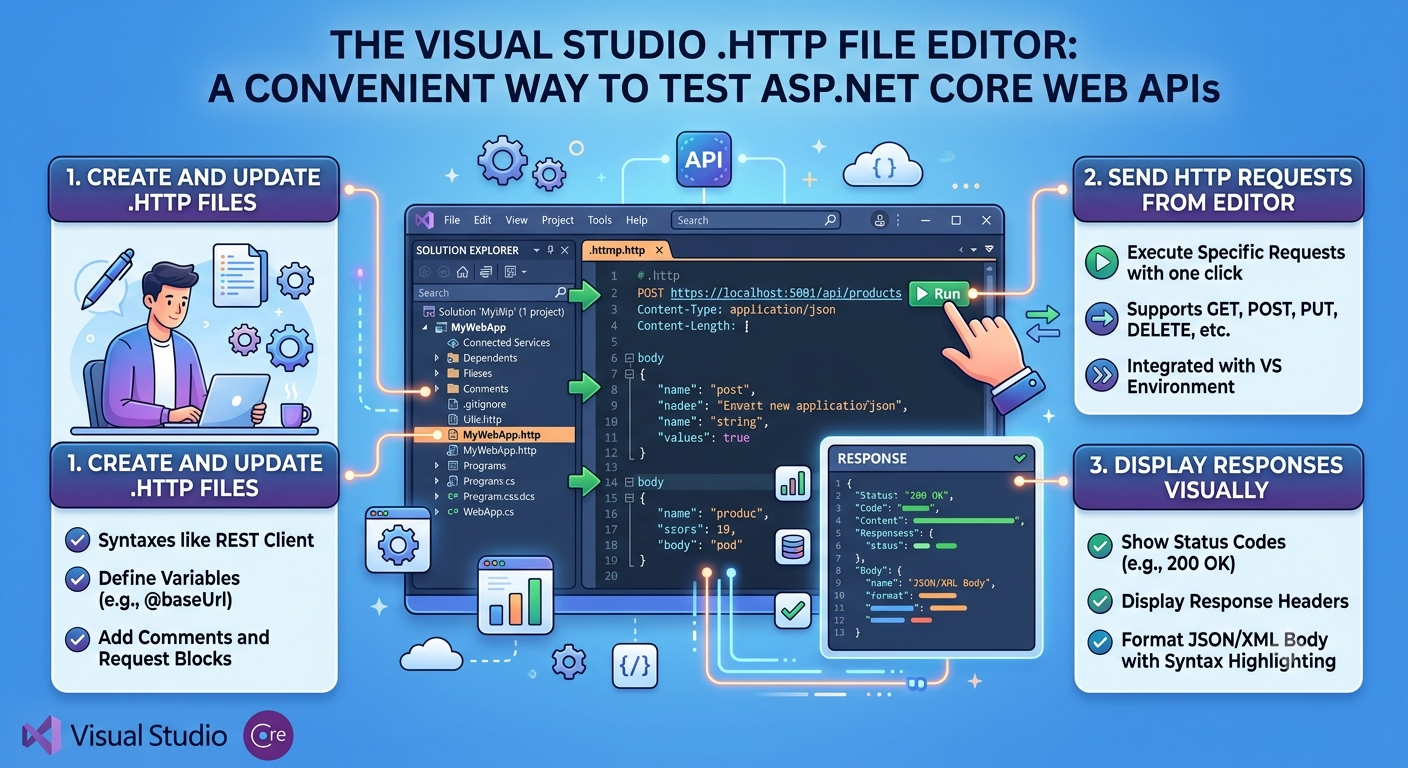
The Visual Studio HTTP File Editor is a powerful built-in tool for testing ASP.NET Core Web APIs and Minimal APIs directly from the IDE. Instead of relying on external tools like Postman, you can create, edit, and execute HTTP requests using .http files, making API development and debugging faster and more efficient.
With the Visual Studio 2022 HTTP File Editor, you can:
- Create and manage .http files for organizing and storing API requests.
- Send HTTP requests (GET, POST, PUT, DELETE, PATCH, and more) directly from Visual Studio.
- View and inspect HTTP responses, including status codes, headers, and response bodies, without leaving the editor.
How to use JSON Patch in ASP.NET Core Minimal API
JSON Patch is a standardized format for describing changes to a JSON document. It is defined by RFC 6902 and is commonly used with HTTP PATCH requests to update resources without sending the entire document.
(more…)How to perform Unit and Integration Testing in Minimal APIs
Testing is an essential part of developing ASP.NET Core Minimal APIs because it ensures that API endpoints behave correctly, reliably, and securely. Unit testing verifies the business logic of individual components, while integration testing confirms that endpoints, routing, middleware, dependency injection, and database interactions work together as expected. Regular testing helps identify bugs early, improves code quality, simplifies maintenance, and provides confidence when making changes or adding new features. As a result, testing contributes to building robust, scalable, and maintainable Minimal API applications.
(more…)Filters in ASP.NET Core Minimal API
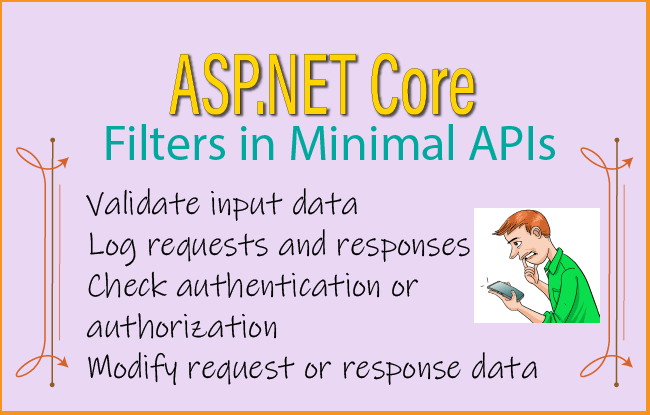
Filters in ASP.NET Core Minimal APIs are components that execute before and/or after a route handler. They allow you to add common functionality such as validation, logging, authentication checks, or modifying requests and responses without repeating code in every endpoint.
(more…)Complete Guide to Minimal API Response
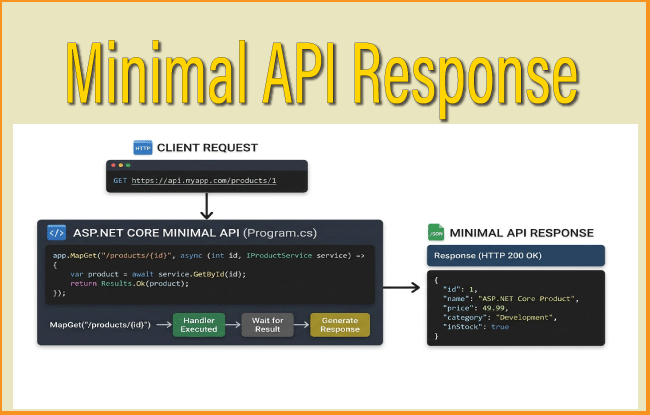
In ASP.NET Core Minimal APIs, a response represents the data returned by an endpoint to the client after processing an HTTP request. Minimal APIs provide several built-in response types through the Results class, making it easy to return contents such as JSON, plain text, files, streams, redirects, status codes, or custom responses without the overhead of MVC controllers. For example, Results.Ok() returns a successful HTTP 200 response with data, Results.NotFound() returns a 404 status code, and Results.Stream() streams data directly to the client. These response helpers produce implementations of IResult, allowing developers to create concise, readable, and efficient APIs while ensuring the correct HTTP status codes, headers, and content types are sent to the client.
(more…)ASP.NET Core Minimal API Parameter Binding – full guide with codes
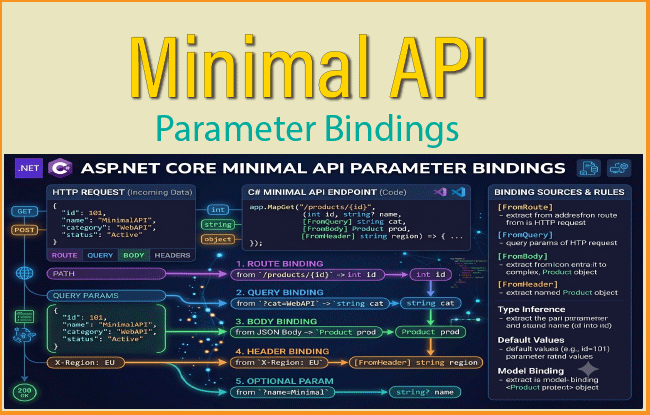
In our last tutorial we created an ASP.NET Core Minimal API from Start till Finish. We move further to understand how Parameter Bindings works in Minimal APIS.
Before we dive into parameter binding we have to understand what are routes and handlers.
(more…)How to Import Export Excel file in ASP.NET Core
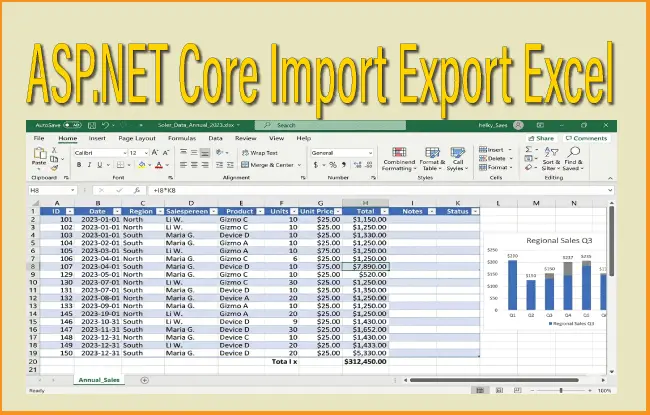
An Excel file is a type of spreadsheet document created using Microsoft Excel, designed to organize, analyze, and store data in a structured format. It consists of worksheets made up of rows and columns, where users can input data, perform calculations using formulas, and create charts or graphs. Excel files are widely used in business, education, and personal tasks because they make it easy to manage data, automate calculations, and visualize information effectively.
ASP.NET CORE - Import Excel file records to SQL Server Database
I have an Excel file containing employee data. The employee fields are Name, Designation, Salary and DOB. The excel file is shown by the below image. You can download this excel file from the GitHub repository itself.
(more…)How to Import Export CSV file in ASP.NET Core
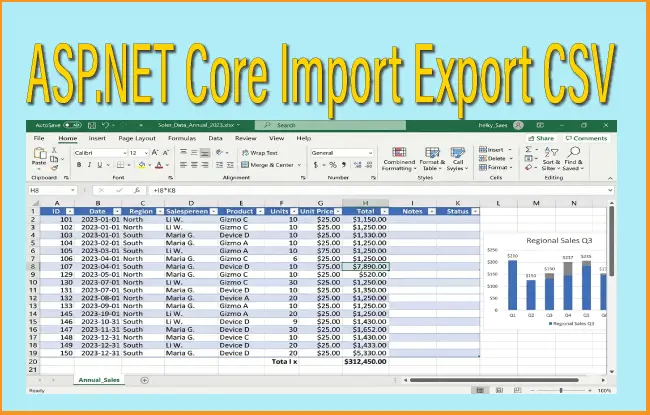
A CSV (Comma-Separated Values) file is a simple and widely used format for storing tabular data, where each line represents a row and each value is separated by a comma. It is commonly used for exchanging data between different programs, such as spreadsheets and databases, because it is lightweight and easy to read.
(more…)Please Consider Donating us
We are helping millions of Beginners and Professionals to learn new programming technologies.
Please consider donating us:




HELLO EVERYONE
 Welcome to YogiHosting - A Programming Tutorial Website. It is used by millions of people around the world to learn and explore about ASP.NET Core, Blazor, jQuery, JavaScript, Docker, Kubernetes and other topics.
SUBSCRIBE TO NEWSLETTER
Enter your email address to subscribe to this blog and receive notifications of new posts by email.
Join 90K other subscribers