


Tutorials on ASP.NET Core, Blazor, jQuery, JavaScript, Entity Framework, Identity, WordPress, SQL, HTML & more
How to implement Certificate Authentication in ASP.NET Core
Certificate-based Authentication uses Digital Certificate to identify a client's request and then grants it the access to a resource, network, application, etc. Certificate Authentication provides added security to web applications and Web APIs.
(more…)How to manually Install Let’s Encrypt free SSL Certificate on any hosting

You can install free SSL on both cPanel & Plesk control panels.
This method works on every hosting like GoDaddy, HostGator, Linux, Windows, etc.
The best part?
You’ll get an SSL certificate from Let’s Encrypt at no cost, issued at the same time.
jQuery removeData() method – Used to remove attached data to elements
The jQuery removeData method removes the data previously attached to elements. The data is attached by jQuery Data method. (more…)
Serverspace: Full review and why you should choose it
Serverspace offers high-quality VPS/VDS services at affordable prices. Our cloud servers are easy to use via your personal account. We offer 24/7 support. Our staff is highly experienced in virtualized systems and aim to deliver the best possible performance for a VPS service. We strive to offer VPS services at the best possible prices, without cutting down on the quality. (more…)
Learn to use ADO.NET SqlBulkCopy class with Example
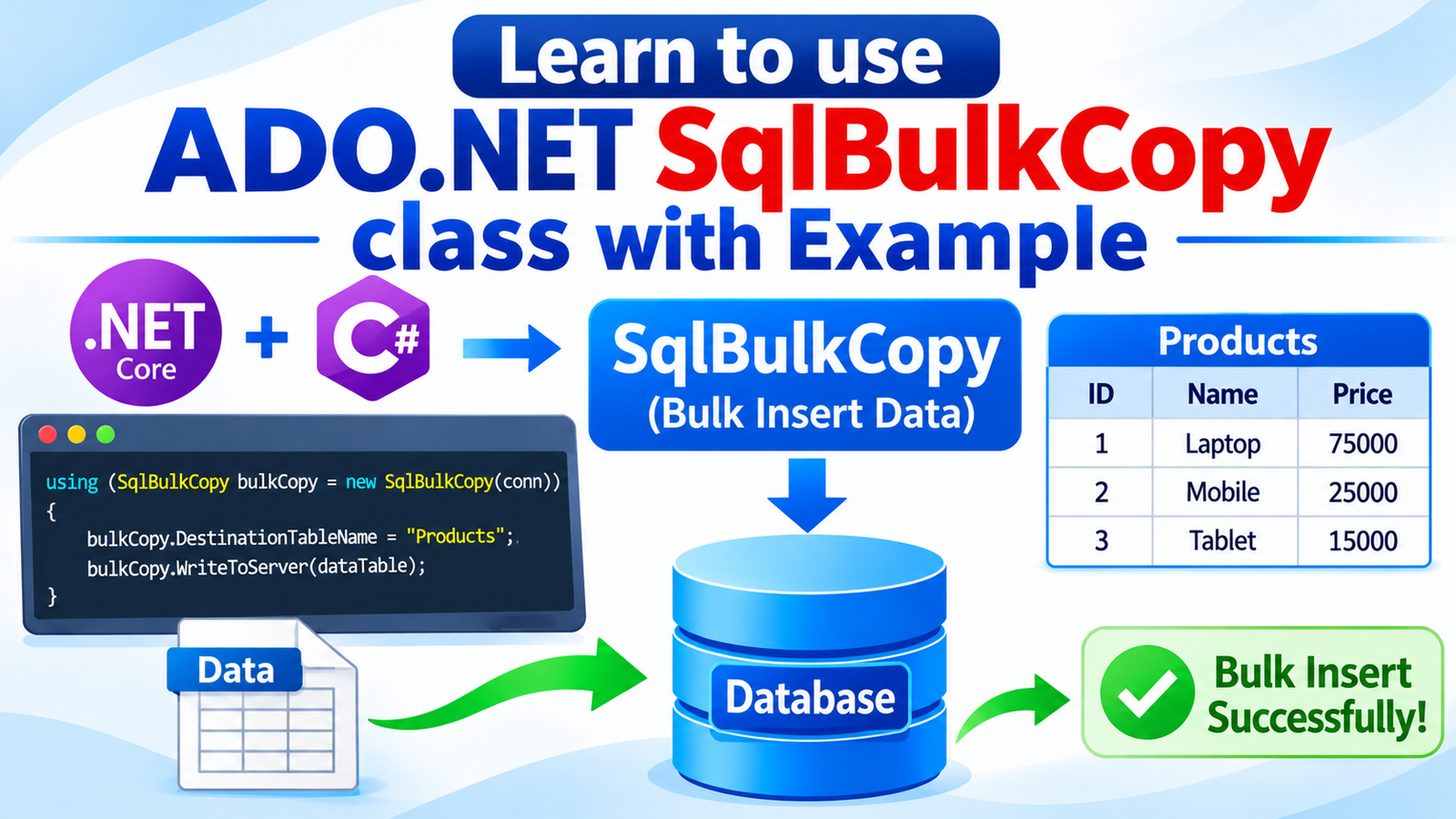
ADO.NET SqlBulkCopy class lets you insert large volumes of data into SQL Server quickly and efficiently. Instead of running one INSERT statement per row, it sends records to the database in batches, which greatly reduces round trips and processing time. This makes it the preferred choice for data imports, migrations, and ETL tasks in ASP.NET Core applications. The speed gain can be dramatic. Depending on your hardware, network, table design, and batch size, SqlBulkCopy can load 1 million records in just a few seconds, while inserting them row by row can take many minutes. In this tutorial, you will learn how to use SqlBulkCopy to bulk insert records into a SQL Server table.
How to do ADO.NET SqlTransaction with Try Catch Block
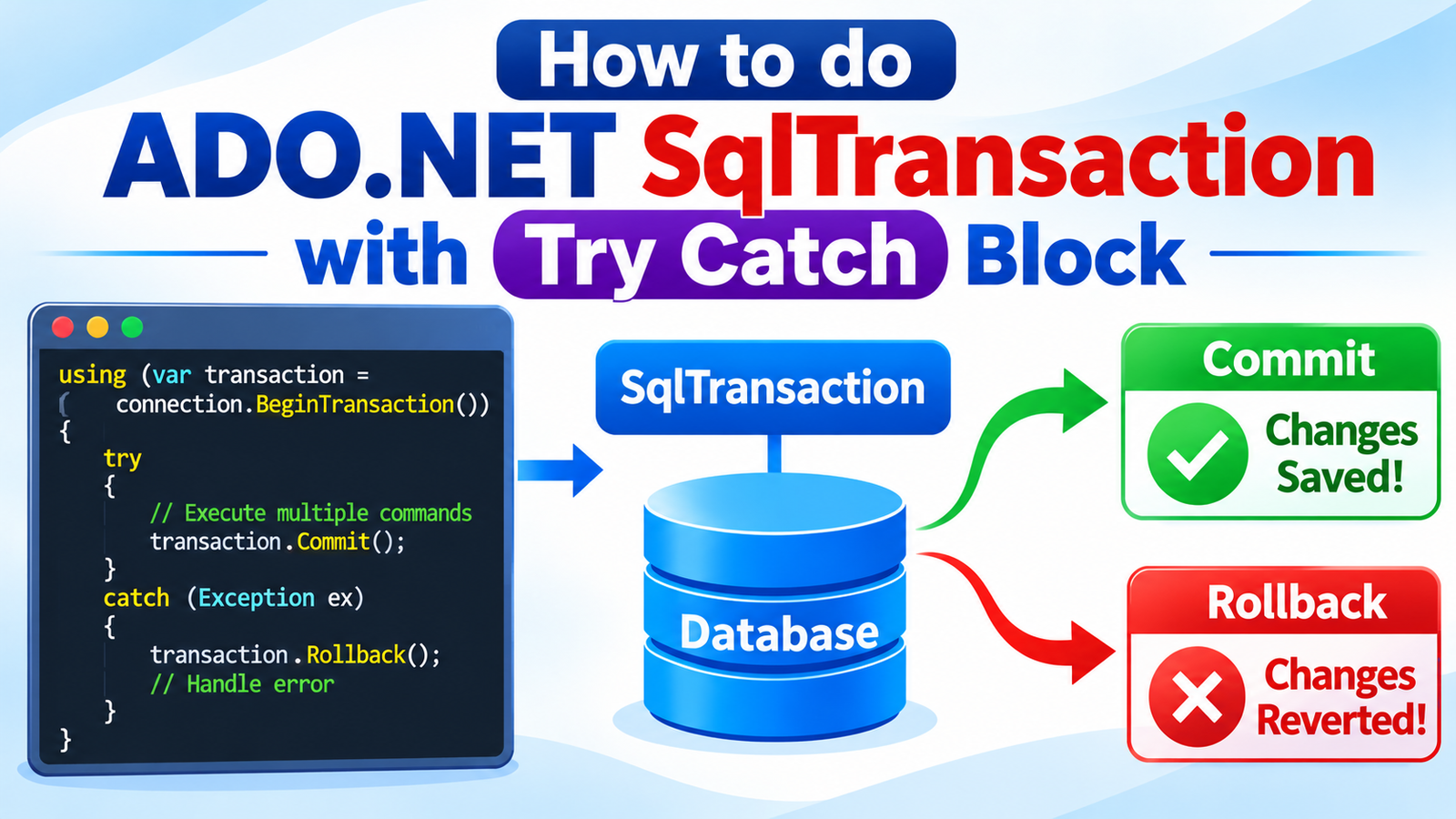
Every database operation in ADO.NET can fail. A wrong connection string, an unreachable SQL Server, or a slow query can throw an exception and crash your ASP.NET Core application if you do not handle it. In this section, you will learn the most common ADO.NET exceptions, such as connection errors and operation timeouts, understand why they happen, and see how to handle them with try-catch and SqlException so your application stays stable and shows users a clear message.
When performing an ADO.NET operation we can sometimes get some exception like:
- 1. Database connection error – due to wrong connection string.
- 2. Operation timeout error – due to some network error.
Lets understand them and what steps we need to take in order to deal with them.
(more…)ADO.NET – Delete Records in ASP.NET Core
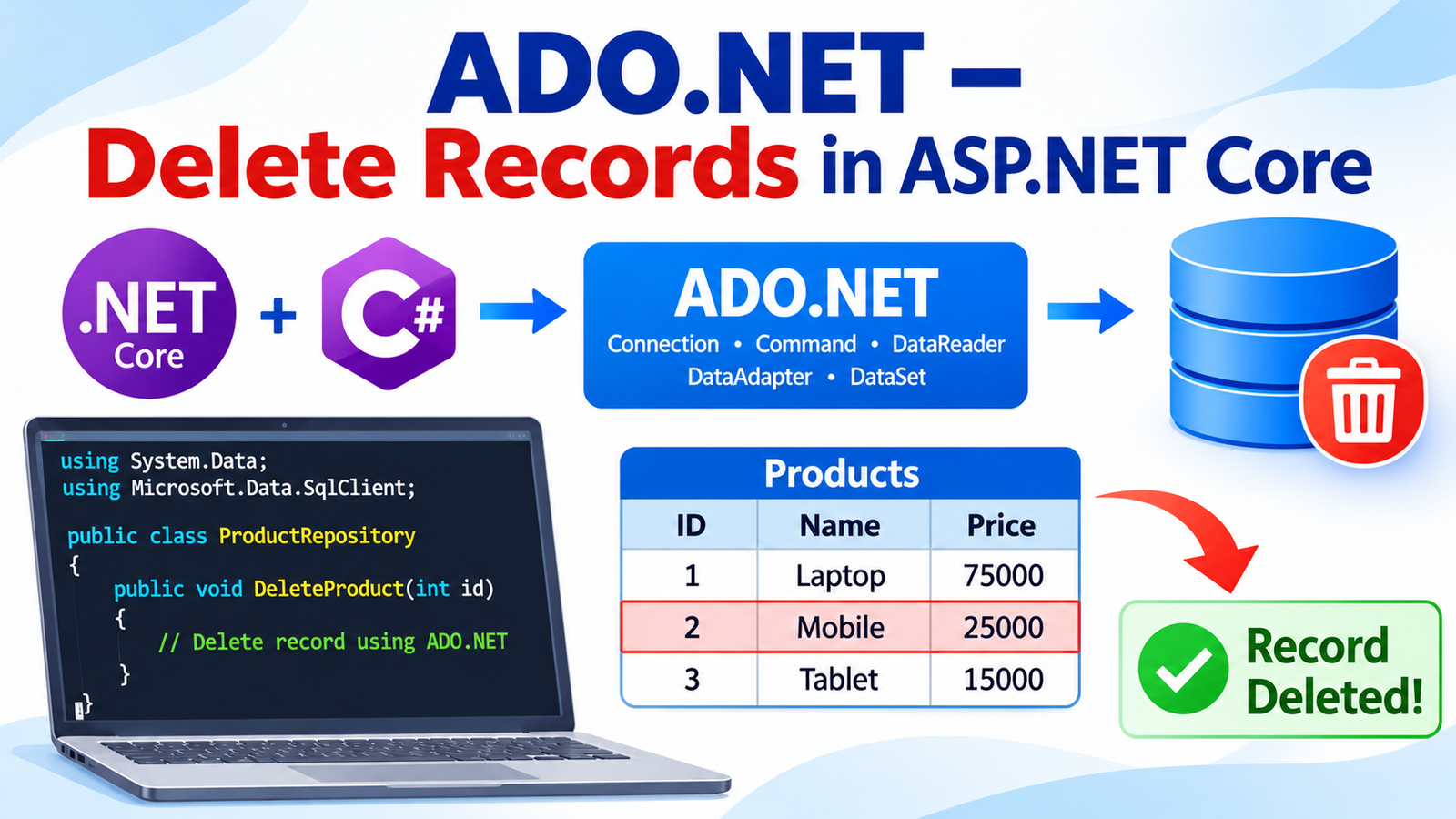
In the previous tutorial, you learned how to update records with ADO.NET in ASP.NET Core. Now it's time to complete CRUD operations by adding the Delete Record feature. Just like the Update feature, Delete adds a new Delete column to the HTML table in the Index view, with a link on every row that removes that record from the SQL Server database using a parameterized DELETE statement and SqlCommand.
ADO.NET – Update Records in ASP.NET Core
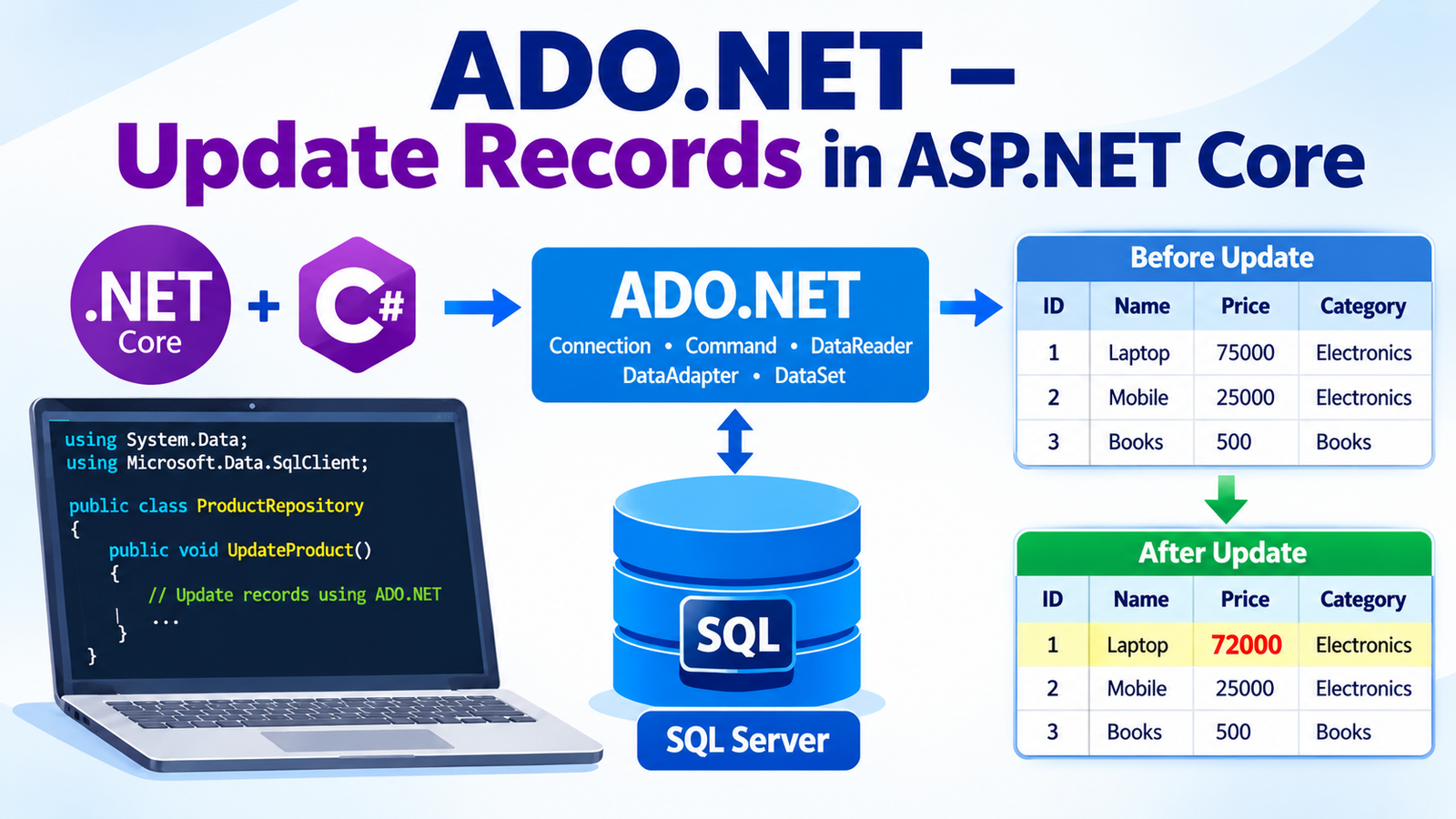
Learn how to Update Database Records with ADO.NET in any ASP.NET Core application by adding an Update Records feature to the Inventory project. Using SqlConnection and SqlCommand with a parameterized UPDATE statement, you will edit any previously created record and save the changes to SQL Server. This is the Update step of CRUD operations.
Is ADO.NET fast? Yes, ADO.NET is one of the fastest ways to access data in .NET because it works directly with the database and adds very little overhead. ORMs such as Entity Framework Core and Dapper are built on top of ADO.NET. Entity Framework Core adds some overhead for features like change tracking and query translation, while Dapper is a lightweight micro-ORM that performs close to raw ADO.NET. The trade-off is that ADO.NET requires more code to write and maintain.
(more…)ADO.NET – Read Records in ASP.NET Core
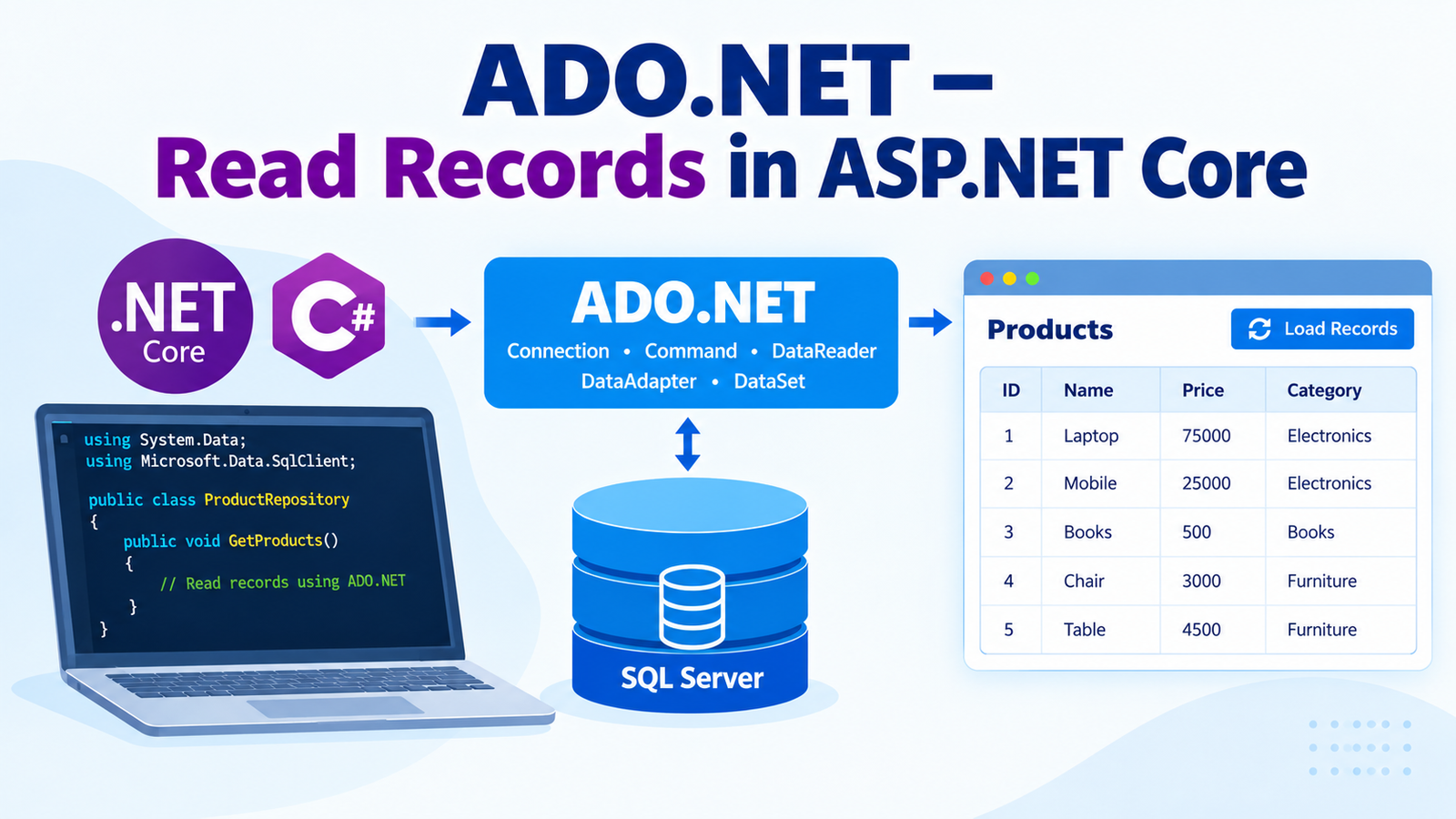
Learn how to Read Records with ADO.NET and display them to users in an HTML table. In this tutorial, you will fetch data from the Inventory table using the SqlDataReader object, the fastest way to read rows in ADO.NET. This is the Read step of CRUD operations.
In this tutorial you will:
- Connect to SQL Server using
SqlConnection - Run a
SELECTquery withSqlCommand - Loop through the results with
SqlDataReader - Show the Inventory records in a table in an ASP.NET Core MVC view
Prerequisite: This lesson follows Learn ADO.NET by Building CRUD Operations in ASP.NET Core, where you created records in the Inventory table. Complete that tutorial first so your table has data to display.
(more…)ADO.NET – Create Records in ASP.NET Core
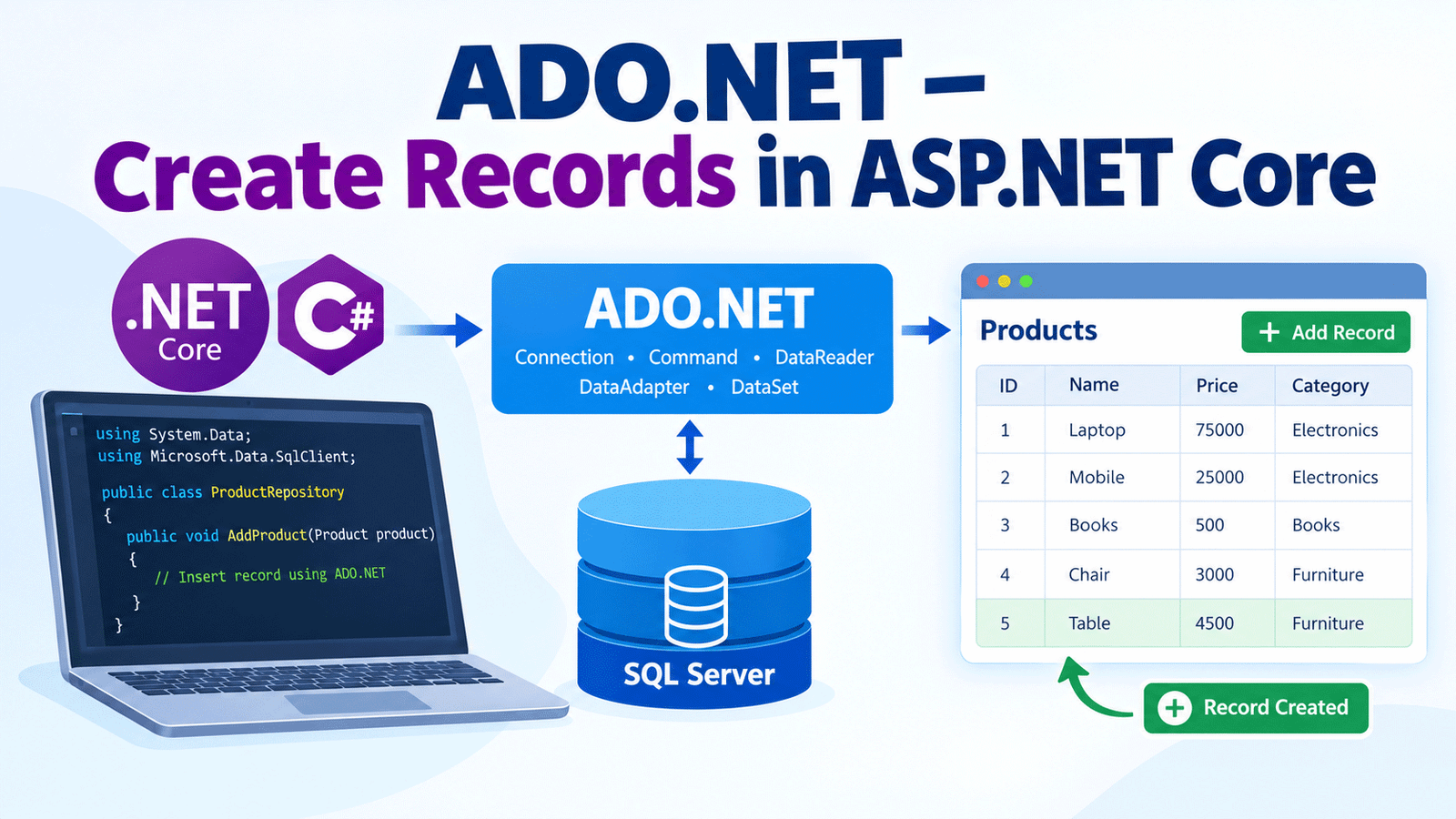
Learn how to create database records with ADO.NET in ASP.NET Core by building an Inventory form that inserts new rows into a SQL Server database. Creating records is the first step of CRUD (Create, Read, Update, Delete) operations, and this tutorial shows the complete process with working code.
In this tutorial you will:
- Build an Inventory form in an ASP.NET Core MVC application
- Use ADO.NET classes such as
SqlConnectionandSqlCommandto insert data - Save new inventory records to a SQL Server database
Prerequisite: This tutorial builds on the previous lesson, where we covered what ADO.NET is, its main components, and how it performs database operations. If you are new to ADO.NET, start with Learn ADO.NET by Building CRUD Operations in ASP.NET Core before continuing.
Page Contents
Please Consider Donating us
We are helping millions of Beginners and Professionals to learn new programming technologies.
Please consider donating us:




HELLO EVERYONE
 Welcome to YogiHosting - A Programming Tutorial Website. It is used by millions of people around the world to learn and explore about ASP.NET Core, Blazor, jQuery, JavaScript, Docker, Kubernetes and other topics.
SUBSCRIBE TO NEWSLETTER
Enter your email address to subscribe to this blog and receive notifications of new posts by email.
Join 90K other subscribers