


Tutorials on ASP.NET Core, Blazor, jQuery, JavaScript, Entity Framework, Identity, WordPress, SQL, HTML & more
How to use Prometheus and Grafana in ASP.NET Core

Prometheus is like a health monitoring system for software systems. It continuously checks metrics and alerts you if something goes wrong. You can then analyze and process them as needed. We can integrate Prometheus in .NET apps and provide metrics through an HTTP endpoint which is /metrics and Prometheus periodically pulls data from those endpoints. You can visualize data in Prometheus itself or use external tools like Grafana. Grafana enables users to query, correlate, and visualize metrics, logs, traces, and other telemetry from many data source including Prometheus. Grafana creates interactive dashboards for these data. In this tutorial we are going to explore both Prometheus and Grafana and learn how to use them in ASP.NET Core.
(more…)The Entity Framework Extensions: Performance-Focused (Need for Speed) when working with large Datasets
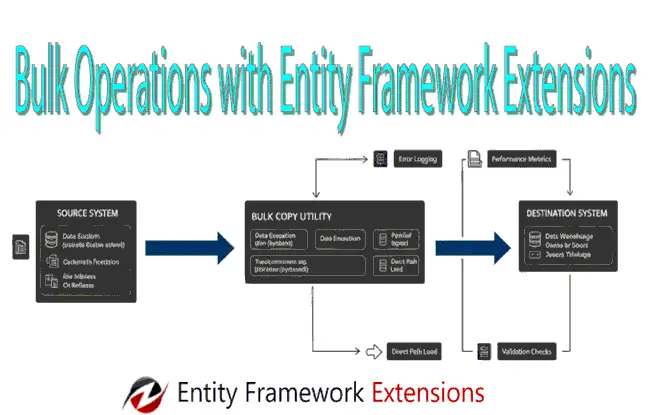
Working with large datasets over the standard Entity Framework Core SaveChanges() method can quickly become a performance bottleneck. The reason is due to the SaveChanges() method's "one-by-one" processing nature and heavy change-tracking overhead. Entity Framework Extensions library eliminates these constraints through some of the popular features on bulk operations. These are inserts, updates, deletes, and merges (upserts) on thousands or millions of records in a fraction of the time.
Whether you are handling batch data imports, real-time telemetry, or large-scale synchronization, Entity Framework Extensions library bridges the gap between the productivity of an ORM and the raw speed of specialized data loading tools. Thus offers a "need for speed" approach, that can reduce execution times by up to 95%, all while maintaining seamless integration with your existing DbContext and entity configurations.
In this tutorial we will be implementing Entity Framework Extensions library features in our ASP.NET Core app to create popular features on bulk operations.
How to integrate OpenTelemetry with Jaeger for Distributed Tracing in ASP.NET Core
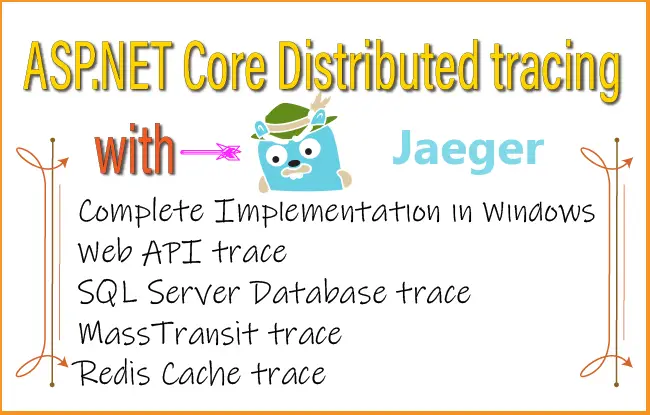
Distributed tracing is a digital "breadbox trail" that allows engineers to follow a single request as it hops across various servers, databases, and microservices. It transforms a chaotic web of data into a clear timeline, making it easy to pinpoint exactly where a system is breaking or slowing down. Distributed tracing isolates a single request’s journey, stitching together every task performed across different services while filtering out the noise of thousands of other simultaneous users. It effectively "colors" one specific thread of execution so you can follow it from start to finish without getting lost in the crowd.
(more…)How to perform Health checks in ASP.NET Core
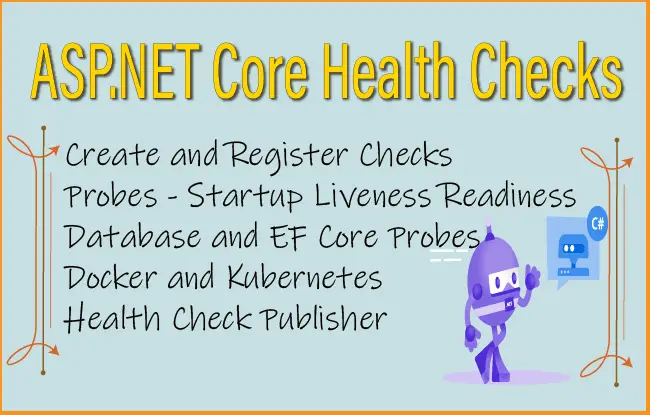
In the world of software development, health checks are automated diagnostic "pulses" that verify whether an application is functioning correctly. Unlike simple uptime monitors, a comprehensive health check doesn't just ask, "Is the app on?"—it asks, "Is the app actually ready to work?" This involves probing specific endpoints (like /healthz) to validate internal components such as database connectivity, memory usage, and third-party API responsiveness.
Proactive Recovery: Systems like Kubernetes use these checks to identify "zombie" processes that are running but frozen, automatically restarting them to minimize downtime.
Smart Traffic Routing: Load balancers like Nginx use health checks to divert traffic away from struggling servers, ensuring users only hit healthy instances.
Early Detection: They catch issues—like a disconnected database or a full disk—before they escalate into a site-wide outage.
Add Health Checks in ASP.NET Core Apps
In ASP.NET Core app a basic heath check can be added to process requests (liveness) of the app. In the Program class import the namespace called "Microsoft.Extensions.Diagnostics.HealthChecks" then add builder.Services.AddHealthChecks() and app.MapHealthChecks("/healthz") as shown below.
How to perform Logging in ASP.NET Core

Logging is an essential part of ASP.NET Core apps which help us to monitor app behavior and diagnose problems. By default the following 4 providers are added whenever we create a .NET app. These are:
(more…)Deploy ASP.NET Core Dockerized app to Azure with GitHub Actions CI / CD
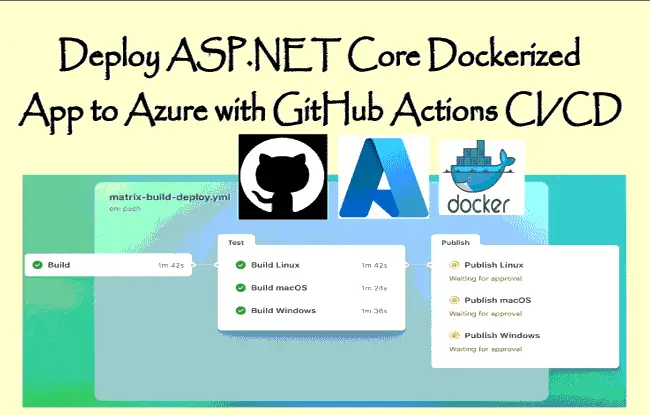
In this tutorial we will Deploy an ASP.NET Core Dockerized App to Azure Container Apps using GitHub Actions CI / CD pipeline. The full working of the process is described in the below image:
(more…)Deploy ASP.NET Core app to Azure with GitHub Actions CI/CD
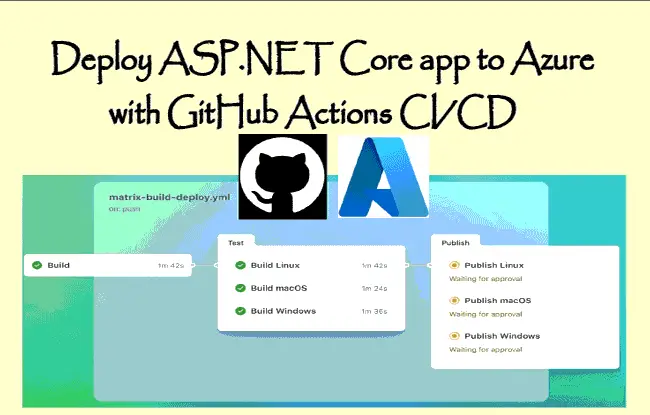
GitHub Actions is a continuous integration and continuous delivery (CI/CD) platform that allows to automate build, test, and deployment of our apps. In this tutorial I will deploy an ASP.NET Core app to Azure App Services through GitHub actions CI/CD deployment pipeline.
GitHub Action
GitHub Actions is a CI/CD platform which is integrated into your GitHub repository. This means you can run a CI/CD pipeline right from your GitHub repository. GitHub Actions are organized into Workflows, which are automated process that will run one or more jobs. A common example of a Workflow is to automatically build and deploy your app to Azure whenever the app is pushed to the GitHub repository.
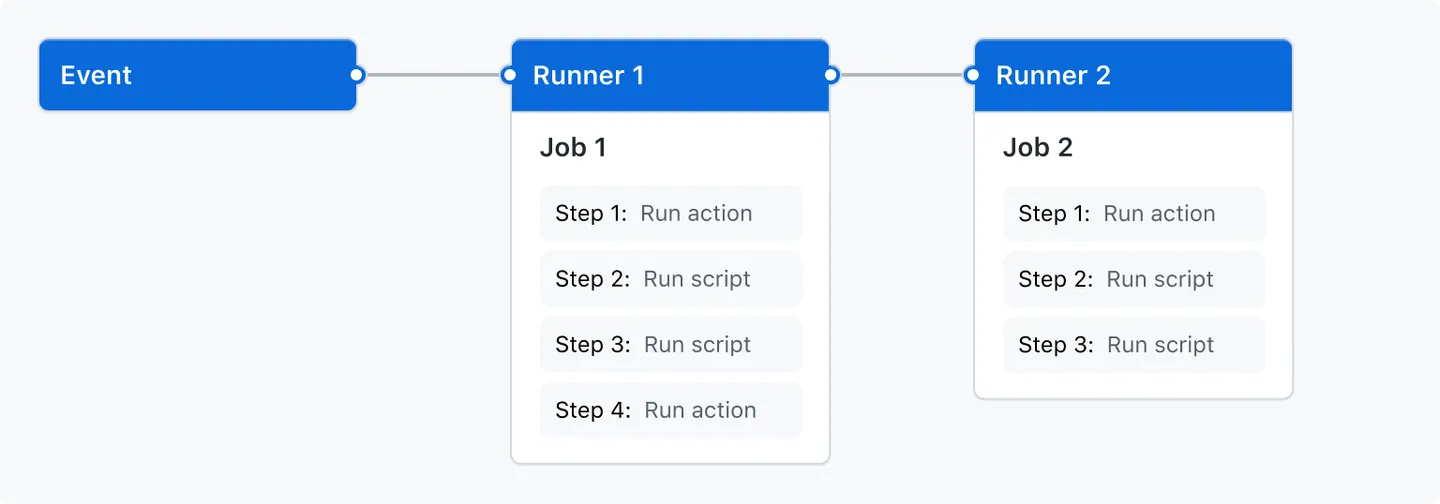
The GitHub Actions kick off based on Events. Events can be anything like a push to the repository or a pull request, and so on.
Runners are the machines that execute jobs defined in a GitHub Actions Workflow. For example, a UBUNTU runner machine can clone your repository locally, install testing software, and then runs the tests.
In the below figure GitHub actions working is explained. An Event kicks the Runners that executes the different Jobs defined in the WorkFlows.
Configuring Nginx as Reverse Proxy and Load Balancer for Dockerized ASP.NET Core apps
Nginx is a high-performance, open-source web server that can also be used as a reverse proxy, load balancer, HTTP cache, and mail proxy. It is highly efficient with many simultaneous connections due to its event-driven architecture. Nginx is a core component in modern web infrastructure due to it's reliability, speed, and scalability. Nginx is available for all operating systems - Windows, Linux, macOS included.
(more…)Entity Framework Core Testing Procedure
Testing is an important part of any application since it tells the developers that their application works correctly. In this tutorial we are going to learn the different techniques to employ in order to test Entity Framework Core codes. These techniques are broadly divided into testing with production database or without the production database. These are:
- Testing against the production database.
- Testing without the production database - here we use SQLite (in-memory mode) as a database fake, EF Core in-memory provider as a database fake, Mock DbSet and use repository layer to exclude EF Core entirely from testing and to fully mock the repository.
Docker Volumes on ASP.NET Core App
Docker Volumes are persistent data stores for containers created and managed by Docker. Volumes are stored within a directory on the host machine and not inside the container. When we mount the volume into a container, then this directory is what's mounted on the container. If an app is storing some data on files inside the container then in case of a container crash the data is bound to be lost. Volumes comes into this scenario since here we can save these files on the volumes, in case of container crash the volume is unaffected (since it is outside the container), so the files are not lost.
(more…)Please Consider Donating us
We are helping millions of Beginners and Professionals to learn new programming technologies.
Please consider donating us:


HELLO EVERYONE
 Welcome to YogiHosting - A Programming Tutorial Website. It is used by millions of people around the world to learn and explore about ASP.NET Core, Blazor, jQuery, JavaScript, Docker, Kubernetes and other topics.
SUBSCRIBE TO NEWSLETTER
Enter your email address to subscribe to this blog and receive notifications of new posts by email.
Join 90K other subscribers